
Mobile setup
Qobuz on Android phone or tablet
Install the current Qobuz APK directly, including Samsung Auto Blocker and Android security-permission steps.
Download links checked 24 September 2026Download Qobuz
Keep this guide open and complete one step at a time. Qobuz downloads as a normal APK, so no separate installer app is needed.
- 1
Open the Qobuz download page
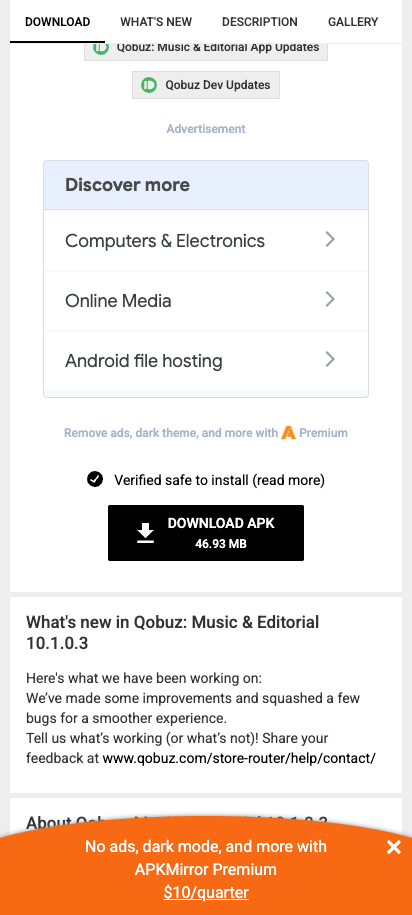
Tap the button below. On APKMirror, scroll to the download section and tap Download APK. Ignore download-style advertisements.
Open the checked Qobuz download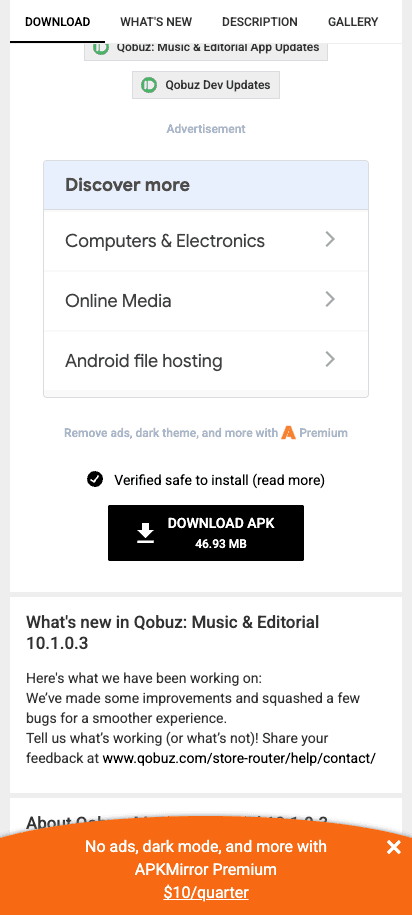
Use the black Download APK button showing 46.93 MB.Screenshot: APKMirror - 2
Wait for the download to begin
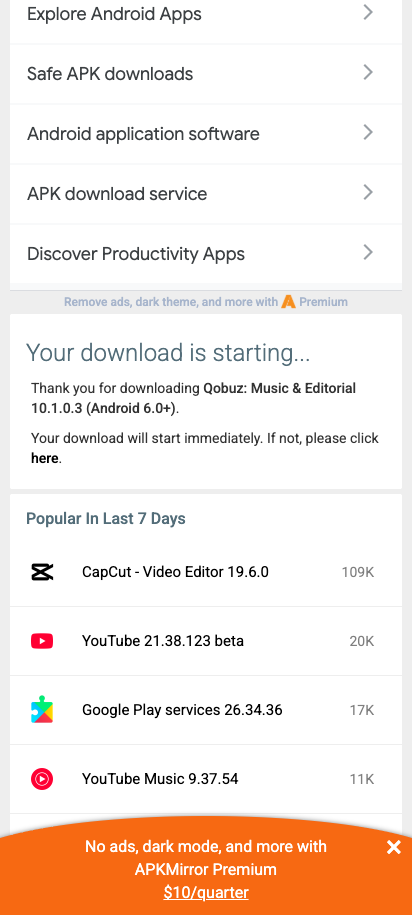
APKMirror may show a 15-second wait. Keep the page open; the download starts automatically when the wait finishes.
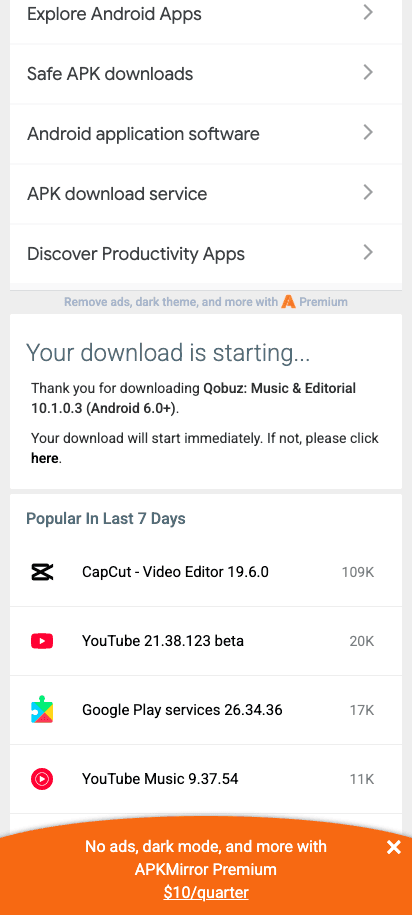
You should see Your download is starting. The Qobuz APK then appears in Downloads.Screenshot: APKMirror
Install Qobuz
Android wording can differ slightly by phone. Check the app name before tapping Install.
- 1Samsung phones only
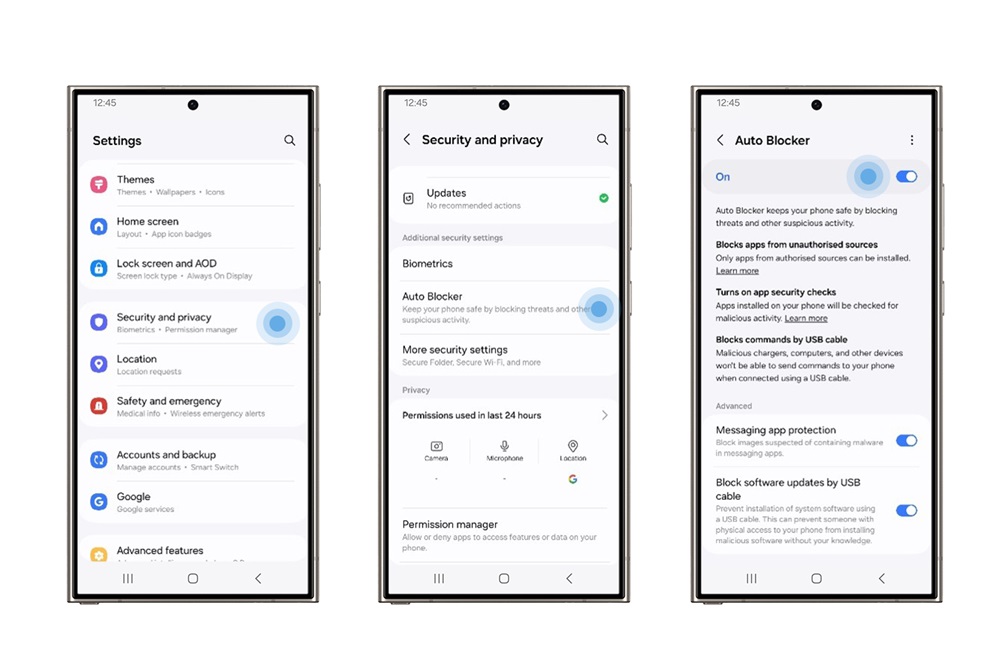
Samsung only: temporarily turn off Auto Blocker
If your phone is not a Samsung, skip this step. On Samsung, open Settings, search for Auto Blocker, open it, and turn the switch off temporarily.
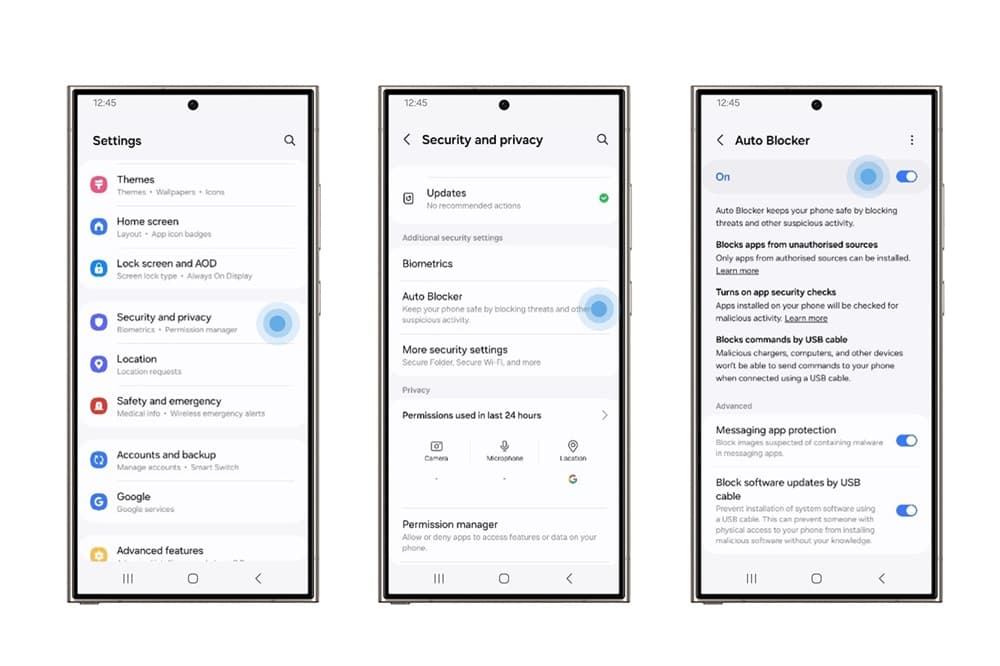
Samsung's screen may vary by One UI version. Open Auto Blocker and turn the top switch off temporarily.Screenshot: Samsung Newsroom - 2
Open the downloaded APK
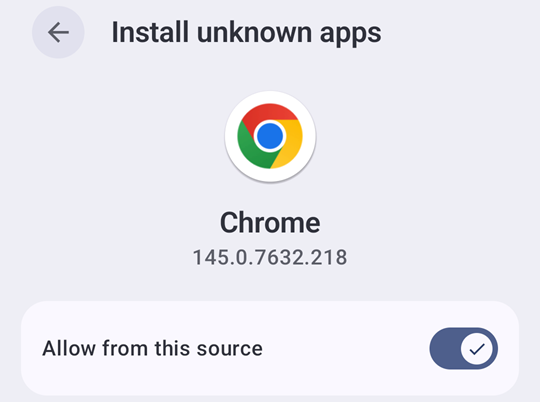
Tap Open in the download notification. If it is gone, open Files, choose Downloads, and tap the Qobuz file ending in .apk. If Android asks, turn on Allow from this source for Chrome, your browser, or Files, then go back once.
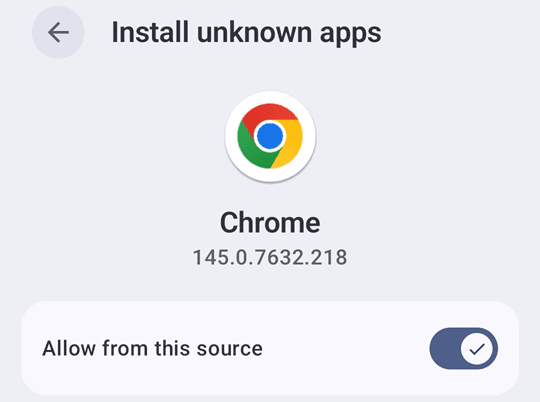
Enable only the source that opened the Qobuz APK. The app name may be Chrome, your browser, or Files.Screenshot: Android installation example - 3
Install Qobuz
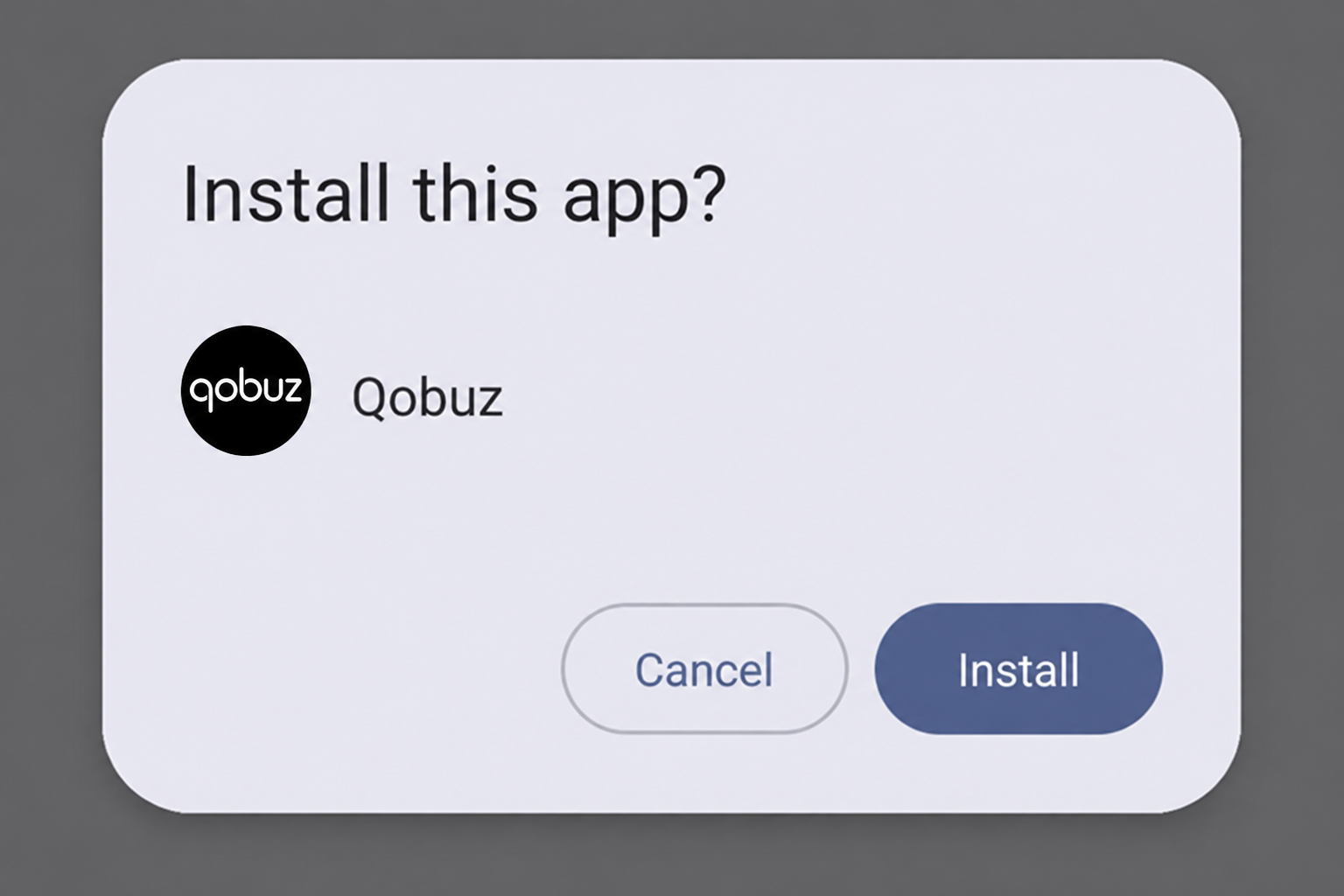
Android should show Qobuz in the installation prompt. Check the name, then tap Install and wait for it to finish.
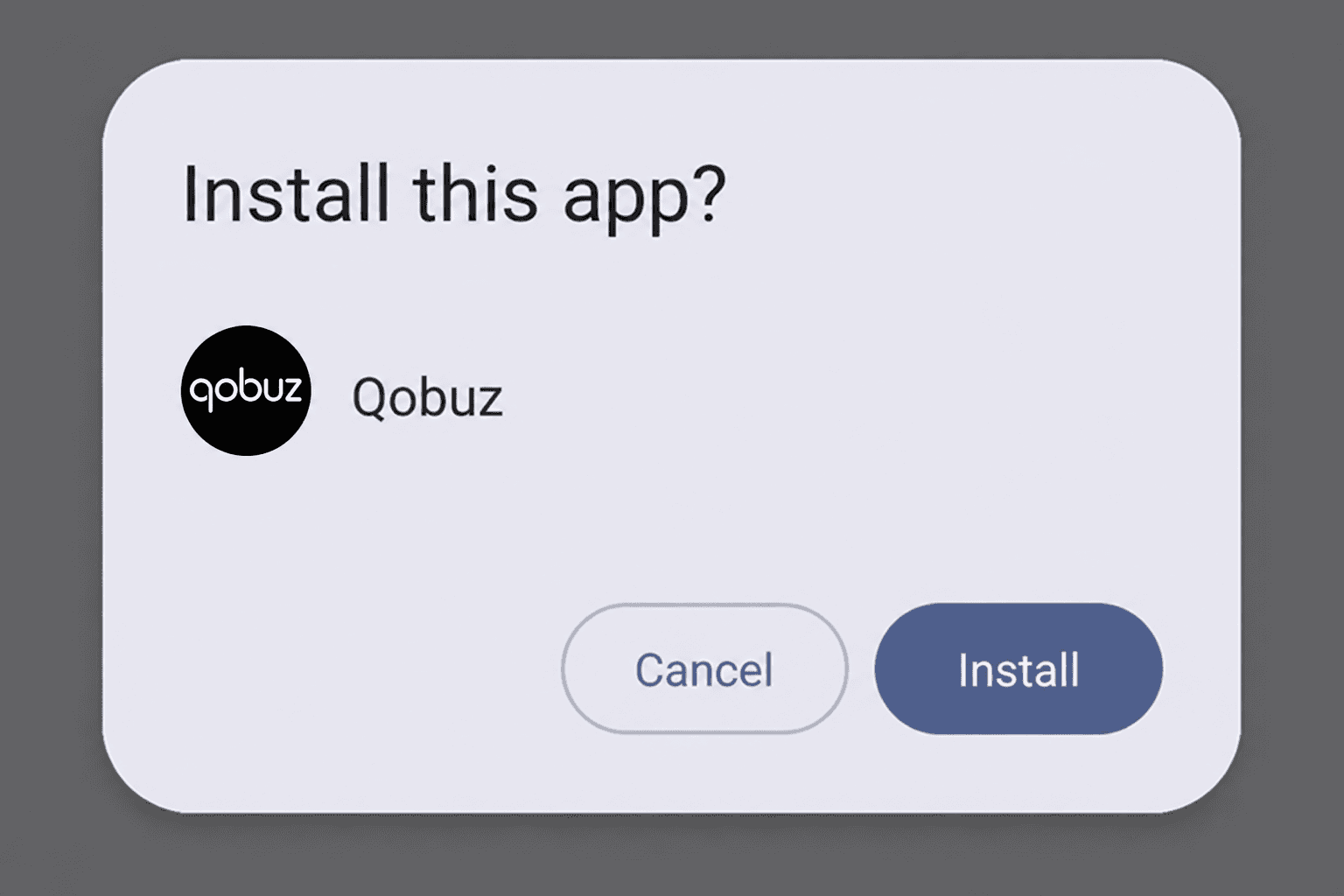
Confirm that the app name is Qobuz, then tap Install.Screenshot: Android package installer example - 4
Open Qobuz and restore protection
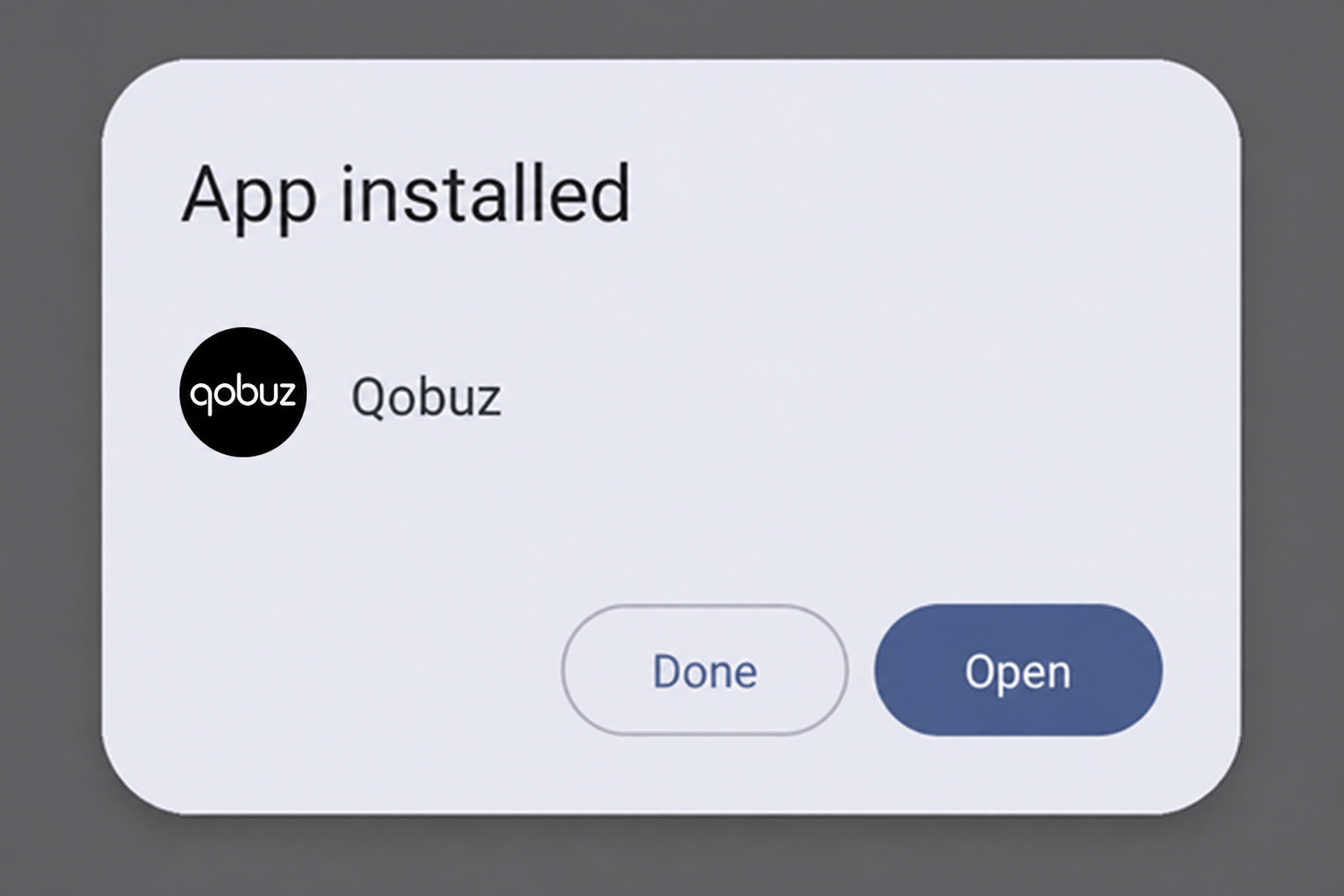
When Android says App installed, tap Open. Samsung users must turn Auto Blocker back on. You may also turn Allow from this source back off for the browser or Files app.
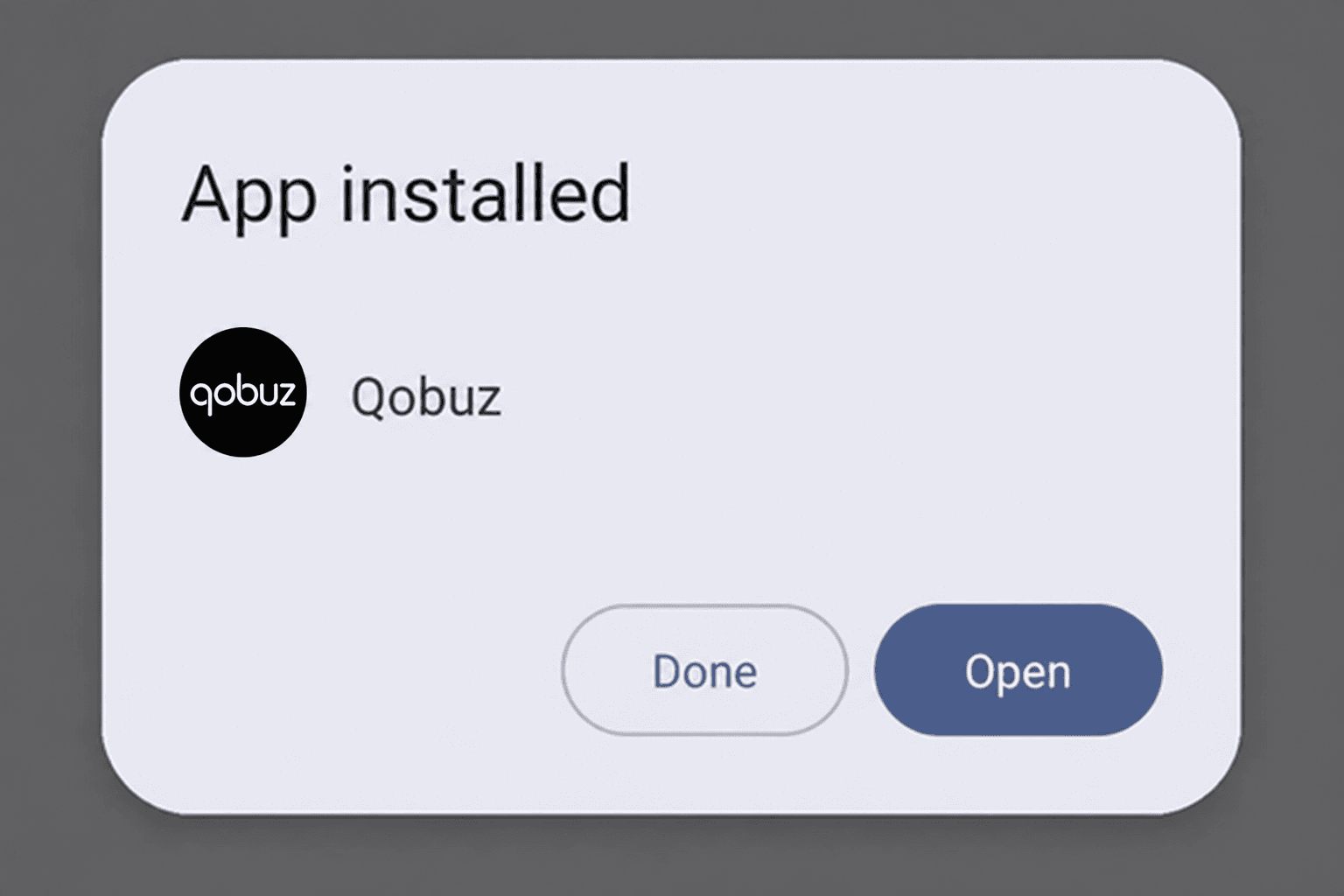
Tap Open, then restore any security setting changed during installation.Screenshot: Android package installer example
Sign in to Qobuz
- 1
Use the login from your AudiophileStream account
Choose the email and password fields rather than Google, Apple, or Facebook. Open your AudiophileStream account, reveal the Qobuz email and password, and enter them exactly as shown.
Open your AudiophileStream account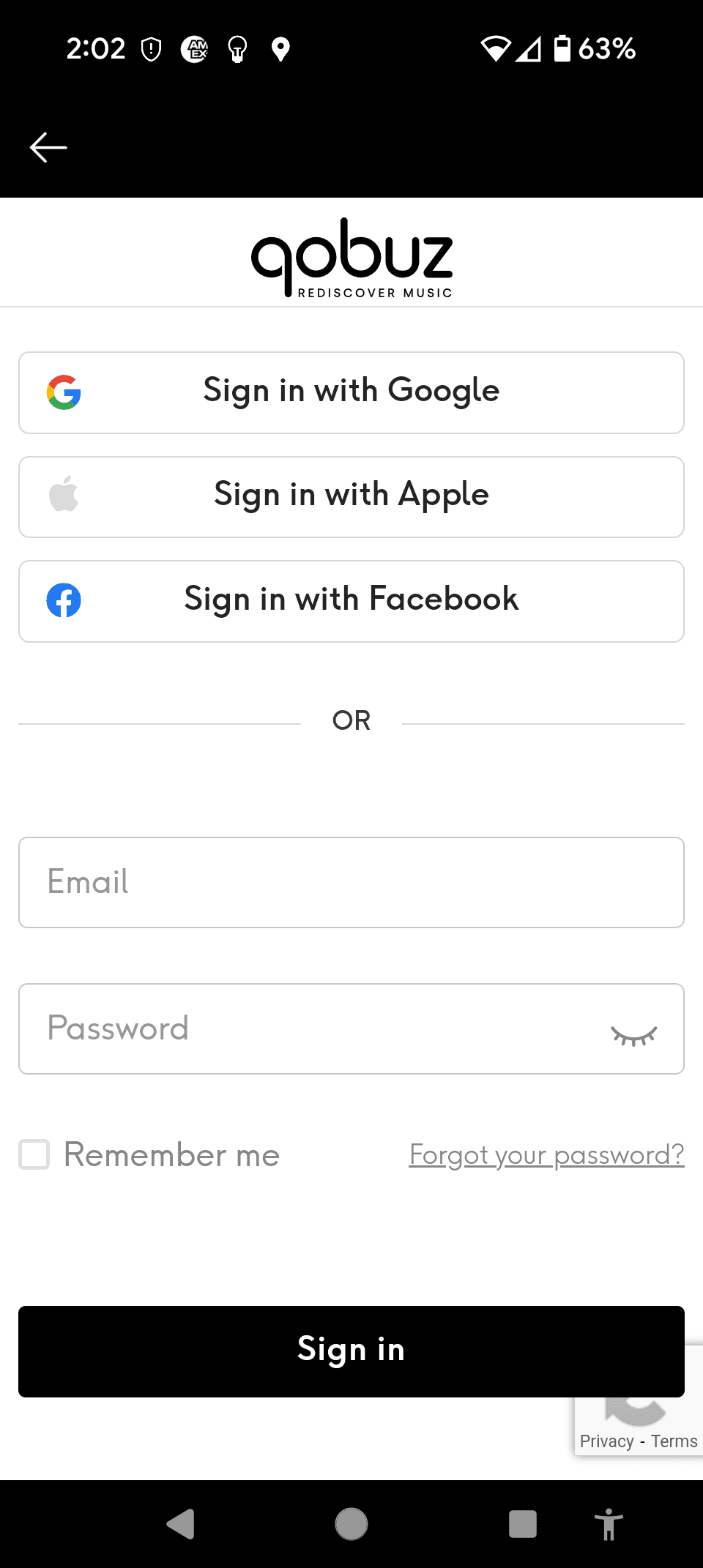
Enter the Qobuz email and password from your AudiophileStream account, then tap Sign in.Screenshot: Qobuz sign-in capture

Alternative: USB Audio Player PRO
Use this optional route if you prefer Qobuz inside USB Audio Player PRO, especially with a compatible USB DAC. USB Audio Player PRO is a separate paid Android app.
- 1Paid app
Buy and install USB Audio Player PRO
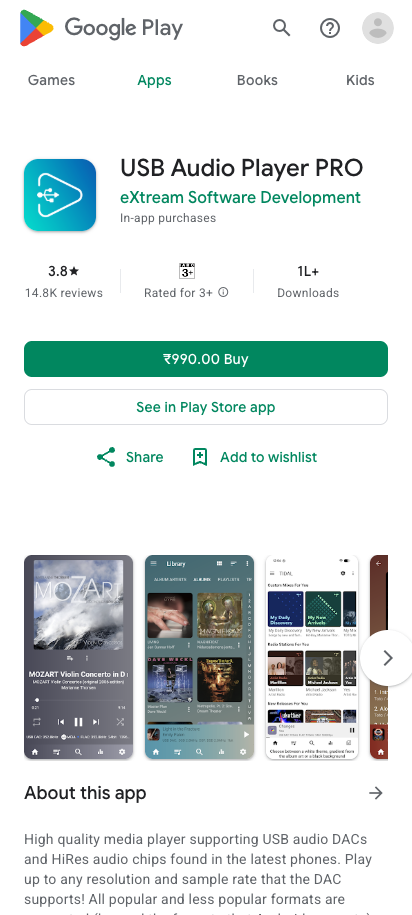
Open the Google Play listing and confirm that the developer is eXtream Software Development. Tap Buy, complete the purchase, and install the app.
Open USB Audio Player PRO in Google Play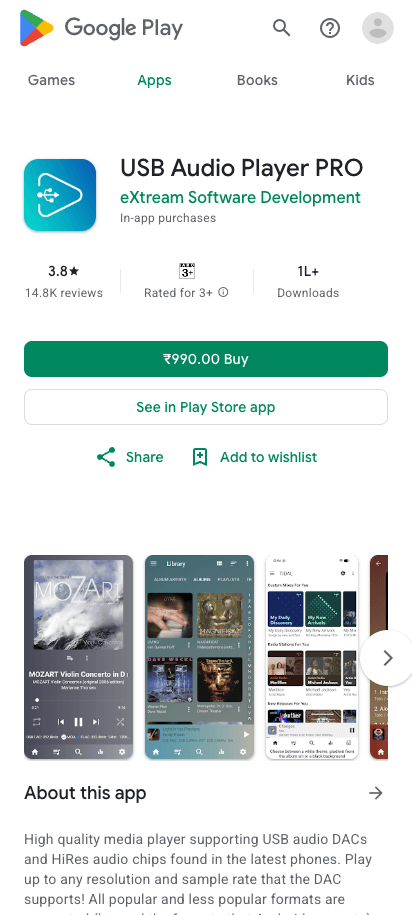
Confirm the app name and eXtream Software Development before buying and installing it.Screenshot: Google Play - 2
Open Qobuz inside USB Audio Player PRO
Open USB Audio Player PRO, tap the menu in the top-left corner, and choose Qobuz. Enter the Qobuz email and password from your AudiophileStream account. If Android asks whether USB Audio Player PRO may access a connected USB DAC, tap OK.
Open your AudiophileStream account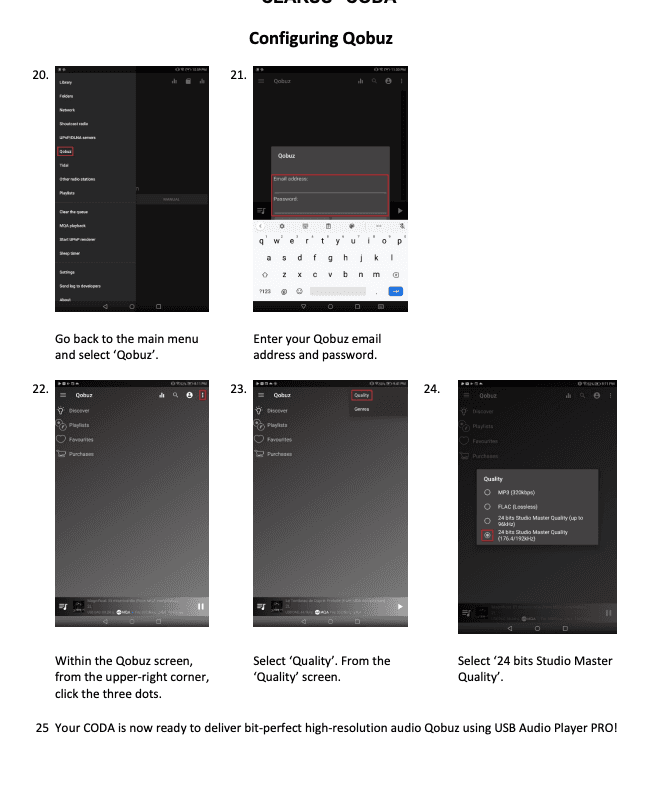
This real UAPP setup page shows where to choose Qobuz, enter its login, and select the highest available streaming quality.Screenshot: Clarus CODA UAPP setup guide

If something does not match
- 1
If the downloaded file does not appear, open Files, check Downloads, and confirm that the filename ends in .apk.
- 2
If Android says the app is incompatible, confirm that the phone runs Android 6 or newer. Contact support before trying a different file.
- 3
If installation is blocked on Samsung, confirm Auto Blocker is temporarily off and the browser or Files app is allowed to install unknown apps.
Downloads and official help
Open the exact resources referenced in this guide.